Rewards and Benefits
Part of Loyalty programme onboarding
Introducing the first reward without overpromising
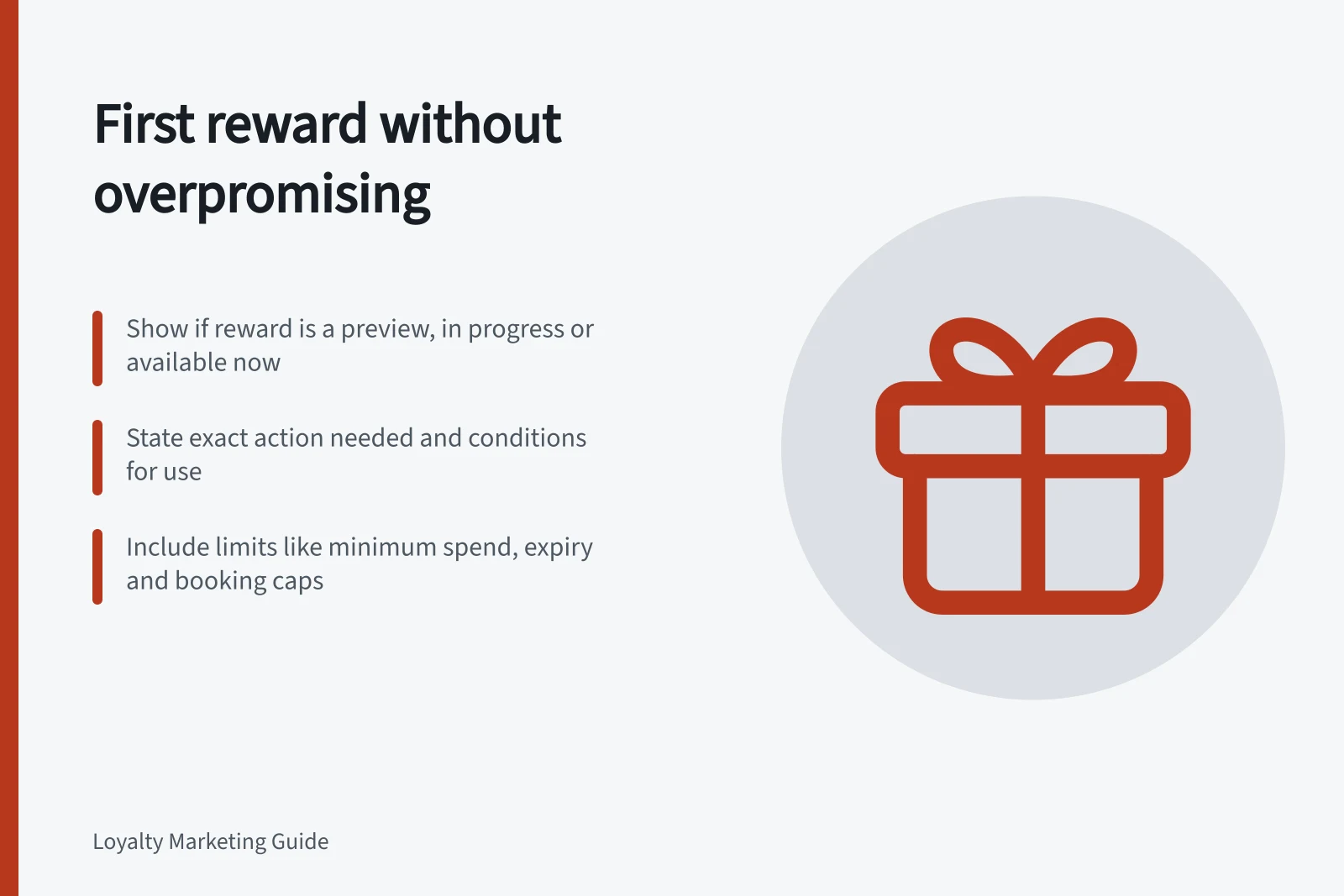
Explain a new member’s first reward through preview, progress and availability without hiding material conditions.
Show whether the first reward is a preview, progress towards a benefit, or usable now. State the action required to reach it and the conditions for use. A points balance alone may not mean a reward is available.
Name the member’s current state
| State | What to show |
|---|---|
| Preview | The proposed reward, the qualifying route and material limits |
| Progress | Confirmed activity separately from anything pending or reversible |
| Available | The usable benefit, its conditions and a claim route that works |
| Claimed | Whether the member has a voucher, reservation or completed use, and any step still required |
These are content labels, not universal software statuses. A program with an immediate benefit or no points may need a simpler sequence. Whatever labels it uses, the member view must match the terms and the actual account state.
Understanding Your First Reward Journey
- PreviewReward is proposed; show qualifying route, activity and limits
- ProgressConfirmed activity only — exclude pending or reversible actions
- AvailableUsable benefit with claim path and conditions clearly stated
- ClaimedMember has voucher, reservation or used benefit; show any remaining steps
Describe the effort and timing
If the first reward requires repeat purchases, explain which activity qualifies and when it counts. A progress display should not silently include excluded spending or make pending points look spendable.
An example purchase path can help when its assumptions are clear, but it cannot promise that every member will reach the reward at the same pace.
State the practical effect of a return on progress under the program’s rules. A member should be able to trace a changed balance or status to the relevant activity. The detailed calculation belongs in the earning rules; this explanation should show what the change means for the first reward.
Put restrictions with the reward
A reward described as “free” should not hide a required payment in fine print. Put minimum spends, selected products, booking limits, expiry and channel restrictions close to the invitation. Keep qualifications consistent with the invitation’s overall message.
Use “available to claim” only when the member can take the stated claim action under the applicable conditions. If stock or capacity can change, explain when availability is confirmed.
If a claim fails after points or an entitlement have been used, check the actual program rules and account record before promising restoration or a substitute.
What to Show vs. What to Avoid in Reward Communication
- Do: Clearly state restrictionsInclude minimum spends, product exclusions, expiry dates and channel limits near the reward invite
- Don’t: Hide conditions in fine printNever describe a reward as ‘free’ if a payment is required — even indirectly
- Do: Use ‘available to claim’ only when action is possibleConfirm stock or capacity before inviting claims
- Don’t: Promise restoration without checking rulesIf a claim fails after points are used, verify account status and program terms first
Give a usable next step
After joining, show what the member can do next and where to check progress. Once activity posts, show what counted and what remains. If an expected reward is missing, offer a route to query the relevant transaction. Staff should use the same status meanings as the account view.
Before launch, review the proposed wording against an excluded purchase, pending activity and an eligible claim. Each scenario should produce an explanation consistent with the configured journey.
Key Requirements for Clear Reward Communication
- Clear next step after joining
- Show what to do next and where to track progress
- Post-activity feedback
- Indicate what counted and what remains to reach the reward
- Missing reward support
- Provide a query path for unclaimed rewards
- Consistent staff and system messaging
- Ensure staff use the same status meanings as the digital account view