Rewards and Benefits
Part of Reward redemption experiences
Making an available reward easy to find and apply
Place reward information where eligible members can act, with points cost and conditions apparent before checkout.
With LoyaltyLion on Shopify, a shopper can claim a reward from the loyalty page or use In-Cart Rewards on the cart page. A single-product claim button can also appear on a product page.
Show the usable option
On the loyalty page, a shopper claims an available reward and the product is added to their cart. In-Cart Rewards adds a widget to the cart page, where shoppers can see and claim available seamless free product rewards without leaving the page or entering a voucher code.
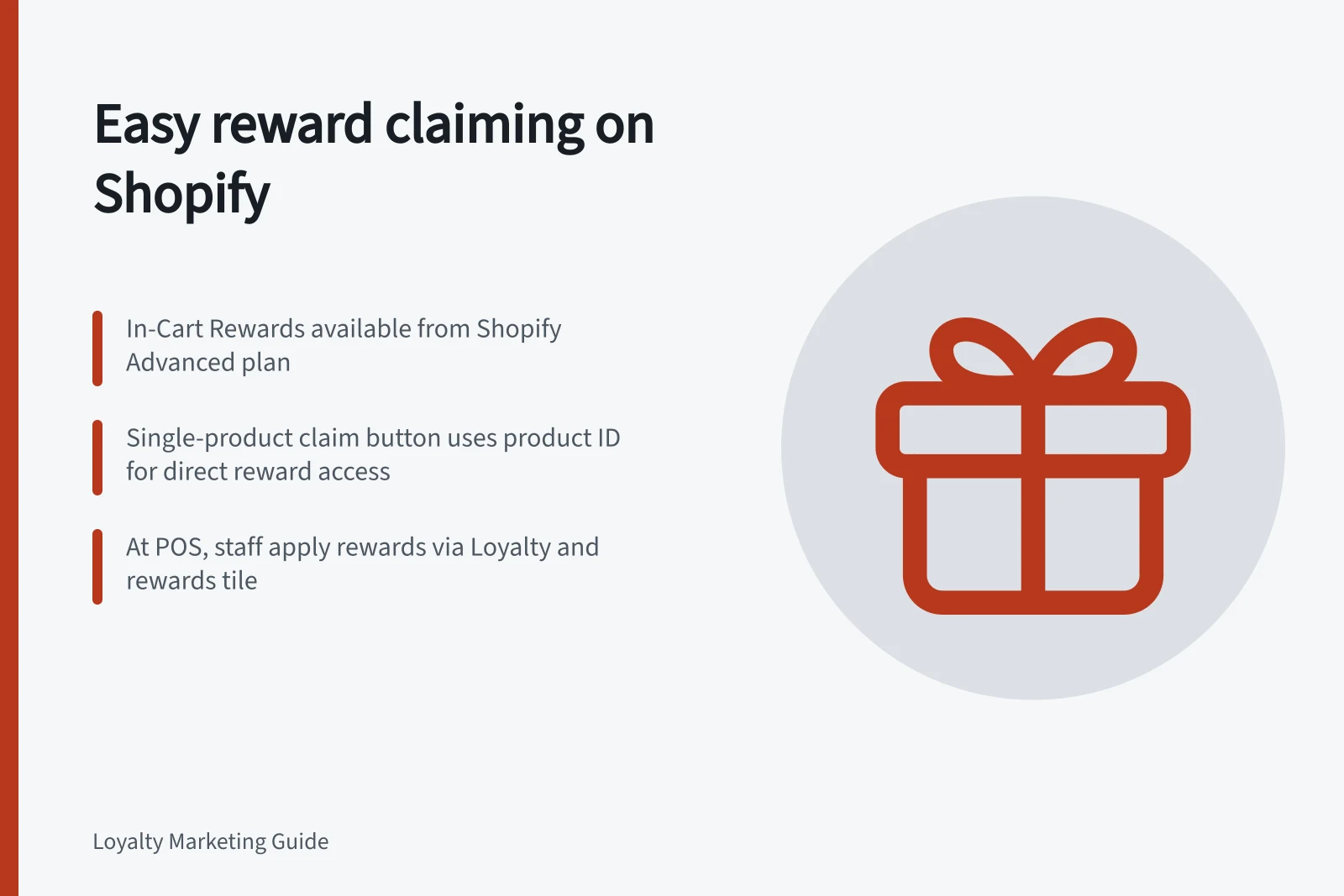
For a product-specific option, a single-product claim button can be placed on the product page. It uses a product ID, so the shopper can claim the reward beside that product.
In-Cart Rewards is available on Shopify from the Advanced plan up and requires code to be added to the theme. The widget displays seamless free product rewards, so at least one must be set up first; the reward’s inventory limit, checkout limit and minimum purchase requirements apply wherever it is claimed.
At a Shopify POS register, staff adds the customer and their products to the cart, taps the Loyalty and rewards tile, then selects and applies a reward. The tile shows the customer’s points balance and usable rewards, and the cart updates with the reward.
Shopify POS supports discount rewards (fixed amount or percentage), free product (voucher or seamless), product discount (voucher), collection percentage or fixed discount, and point redemption at checkout. Gift cards, free shipping, active subscription discounts and free products for subscribers do not work in POS. A reward appears only if POS is one of its sales channels and it is available in the customer’s country; minimum spend and collection restrictions still apply.
How to claim a reward across different touchpoints in Shopify
- Loyalty PageShopper claims reward → product added to cart
- Cart Page (In-Cart Rewards)Widget displays seamless free product rewards → claim without leaving page
- Product Page (Single-Product Claim)Claim button appears using product ID → reward linked to specific product
- Shopify POS RegisterStaff add customer → select Loyalty and rewards tile → apply reward from available options
Available rewards in Shopify POS vs. online channels
- Discount Rewards
- Yes (fixed amount or percentage)
- Free Product (Seamless)
- Yes
- Free Product (Voucher)
- Yes
- Product Discount (Voucher)
- Yes
- Collection Percentage or Fixed Discount
- Yes
- Point Redemption at Checkout
- Yes
- Gift Cards
- No
- Free Shipping
- No
- Active Subscription Discounts
- No
- Free Products for Subscribers
- No