Rewards and Benefits
Part of Loyalty communication
Writing a clear points balance message
Show available, pending and expiring points clearly, explain balance changes and give members a useful next step.
A points balance message should state how many points a member can use now, what remains pending, when the figures were current and why the balance changed.
Show points due to expire separately, with their date.
The member should not have to calculate the spendable amount from an unexplained total.
Lead with the usable balance
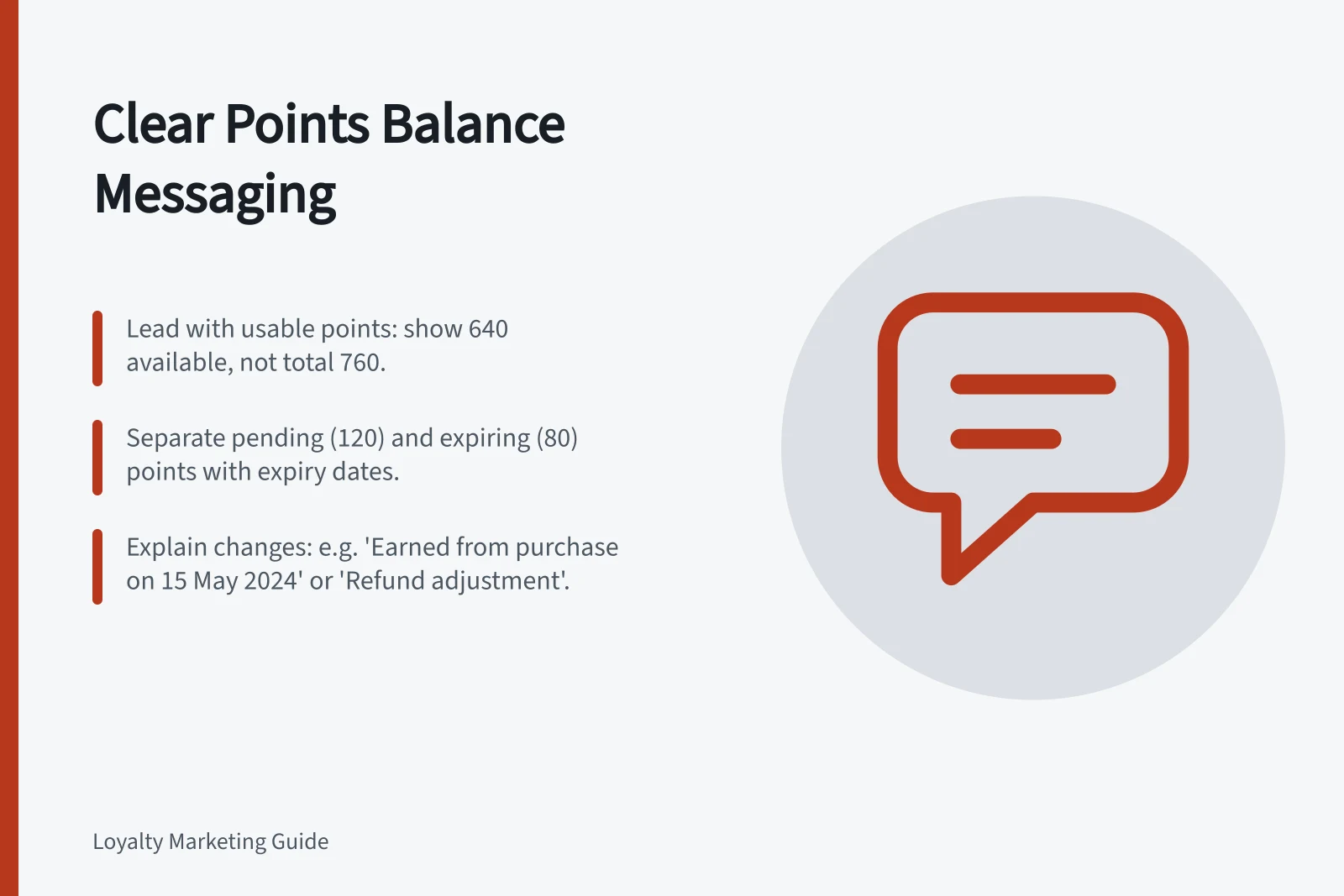
If the next decision is whether to claim a reward, lead with available points. If the programme also displays pending points, label them as unavailable for use. State whether points due to expire are part of the available balance so they are not counted twice.
For example, a hypothetical account could show 640 points available, 120 points pending and 80 of the available points due to expire. The recorded total would be 760 points, but only 640 would be spendable. A real message needs the account’s own figures, the applicable expiry date and an as-at time with the relevant time zone.
Explain changes to the balance
Show recent movements as separate entries: points earned from an identifiable purchase, points moved from pending to available, points spent, a reversal after a return and any documented adjustment. Include enough of an order date or reference to help the member and support team find the event without exposing unnecessary detail in a notification.
Use the same status names in the account, message and support guidance. “Earned” should not mean “ready to spend” in one place and “awaiting approval” in another. After a partial refund, link the resulting points change to that refund. The calculation rule belongs in the programme terms; the balance message needs to make its effect understandable.
Match the next action to the account
If a reward is genuinely available, name it and put material conditions beside the claim path. Enough points may not be enough on their own: the offer may have product, channel, stock or minimum-spend limits. Avoid a subject line that promises a “free reward” when payment or another condition changes that impression.
If the purpose is to report a balance, keep the notice factual and make sure its figures match the account records.
Before sending, compare available, pending and expiring figures from the same account snapshot. Check the as-at time, expiry date and transaction references against the records used to produce the message. Provide a route to query a missing or unexpected entry.