Rewards and Benefits
Part of Loyalty communication
Explaining an approaching reward expiry notice
Write an expiry notice that names the affected reward, the deadline, the required action and any material conditions.
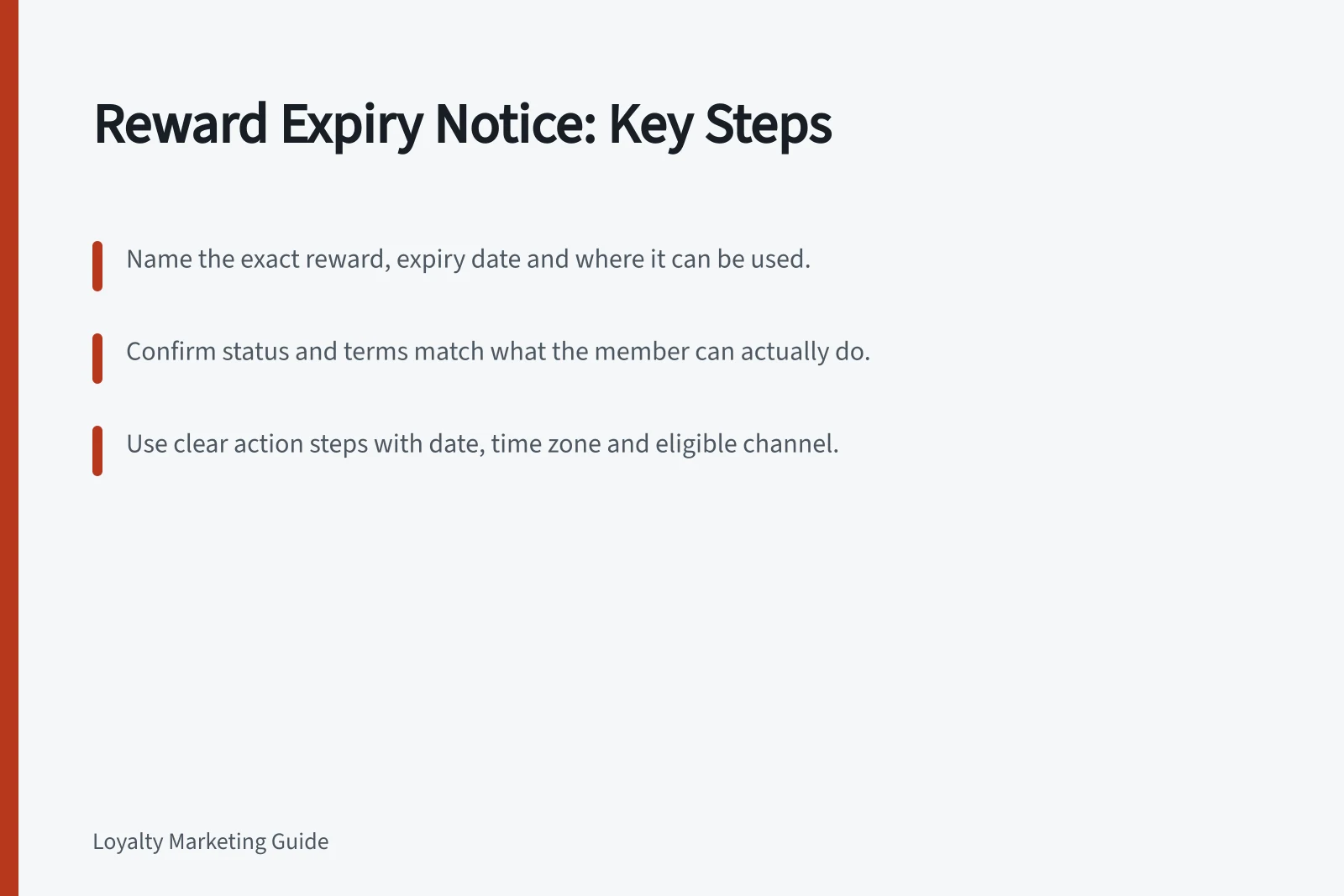
Name the exact benefit at risk, its deadline, where it can be used and the action the member can still complete. A general “use your rewards” reminder does not explain which entitlement is affected.
Confirm the entitlement’s current status and the applicable terms before writing. Keep the deadline, action and conditions consistent with what the member can actually do.
Identify what will expire
Points, an issued voucher, tier access and a booked benefit may have different dates and consequences. Name the entitlement covered by the notice. If a voucher expires but the member’s other points do not, make that distinction.
If inactivity affects expiry, explain which activity changes the date under the program’s actual terms. Do not imply that a purchase, account visit or claim extends a deadline unless it does.
Check whether the entitlement is available, used, cancelled or awaiting restoration after a failed claim. A reminder after use is confusing.
If the reward cannot currently be supplied, explain the accurate next step rather than increasing the urgency. Resolve any resulting commitment before relying on an old reminder.
Make the deadline actionable
Give the calendar date and, when the cut-off time could affect use, the relevant time zone. State what must happen before the deadline: for example, claiming a reward, applying a voucher at checkout, completing a purchase or attending a booking.
Use wording such as: “Your [named reward] expires on [date] at [time] [time zone]. To use it, [required action] through [eligible channel] before then.” Fill each bracket with details verified against the member’s entitlement and the claim process.
Place material conditions beside the action: “ [Condition, such as a minimum spend or booking requirement,] applies.” Name the eligible channel and include a route to help if the claim fails. Do not hide a condition such as in-store-only use behind a subject line promising a reward.
The ACCC says it can require businesses to back up claims and may investigate misleading claims and take compliance or enforcement action. Keep statements about expiry, eligibility and conditions accurate and supportable.
Allow a practical opportunity to act
Work backwards from what use requires. A digital discount and a benefit needing an appointment may need different lead times. Consider whether the member can find eligible stock, make a booking or get help before the deadline; there is no universal number of reminder days.
Use the program’s terms and the member’s account status to confirm the expiry and notice wording. If availability or a rule has changed, resolve the resulting commitment before relying on an old reminder.
Keep the notice focused
Keep an email or SMS focused on the expiring entitlement rather than adding an unrelated sale offer or promotional link. For either channel, check ACMA’s “Avoid sending spam” guidance as part of the send review.
First check the member’s current entitlement status, including whether it is used, pending or awaiting restoration. Then compare the displayed deadline with the claim system’s cut-off, including the time zone and any relevant daylight-saving change.
Next, test the notice and its claim route. Check that the reward name, deadline, required action, channel and conditions display correctly, and that the help route works; record the checks and approval before sending.