Tiers and Rules
Part of Loyalty tiers and qualification rules
Explaining tier progress without complex calculations
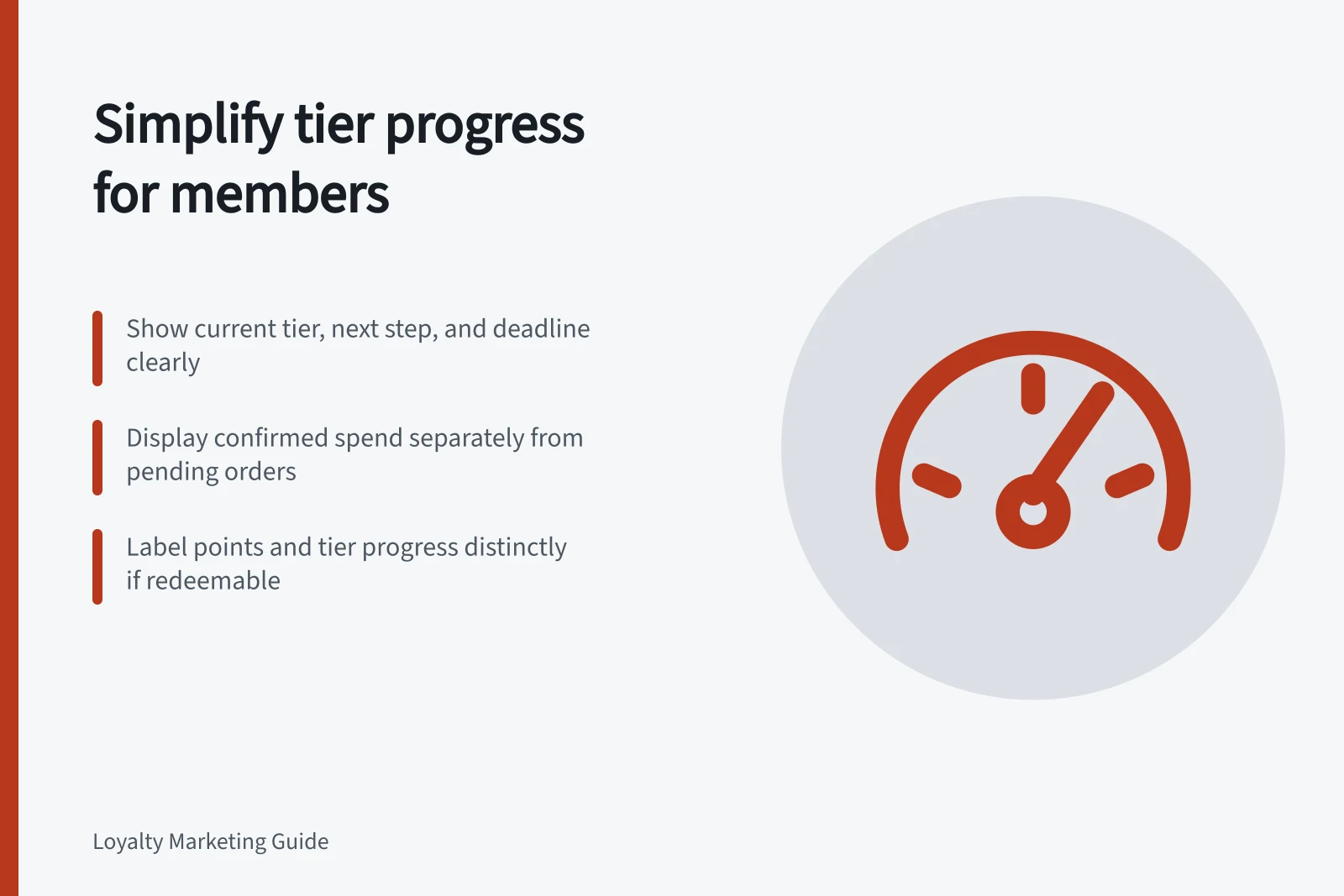
Show current tier, confirmed and pending activity, the amount remaining and the deadline in a clear member progress view.
Show members their current tier, confirmed progress, what remains to reach or keep a tier, and the deadline. Keep transaction detail available for checking, but state the next step without making members reconstruct their order history.
Lead with the next step
A progress view should name the measure and period, not just display a bar. For a spend-based tier, it could say, “A$140 of eligible spend to reach Gold by 30 June.” Show nearby when current benefits end.
If retention and upgrade use different thresholds or periods, present them as separate goals.
Calculate the remainder from the same qualifying-activity record used for tier decisions.
If points can be redeemed while tier progress continues to accumulate, label points and tier progress separately. One unlabelled balance cannot explain both.
Separate confirmed and pending activity
An order may appear in a member’s history before it qualifies. Give it a status rather than silently adding or omitting it.
Under an illustrative A$500 threshold, A$360 in confirmed eligible spend leaves A$140 to go. A further A$40 pending order does not reduce that confirmed remainder; if it qualifies, the remainder becomes A$100.
Explain the event that will confirm the order and when the member can expect an update, using the programme’s actual rules. Near a deadline, say which qualification period the order belongs to.
The order date, confirmation date and review date may differ; the published rule must determine the result.
Explain a changed total
Let members move from the total to the relevant order or visit, date, eligible amount and status. Show a return as a reduction linked to its original purchase.
Explain exclusions in plain language. If a rolling window removes older activity, display the window dates so the change is understandable.
If qualification and the start of benefits are on different dates, show both. Make any material waiting period or channel restriction clear in the account message or promotion.
Check the proposed display
Ask someone unfamiliar with the rule to identify their current tier, the activity still needed and the effect of a return from the proposed screen. Compare displayed totals with transaction records for a purchase, pending order, exclusion and partial refund. If the explanation still needs a long calculation, improve the label or simplify the underlying rule.
Member Progress View Checklist
- Current Tier DisplayedYes
- Confirmed and Pending Activity SeparatedYes
- Deadline Clearly StatedYes
- Points vs Tier Progress DistinguishedYes
- Exclusions Explained in Plain LanguageYes