Loyalty Software
Part of Loyalty programme software
Testing points reconciliation in a software demo
Use a purchase, repeated event, redemption, refund and correction to test whether a loyalty software demo explains every points change.
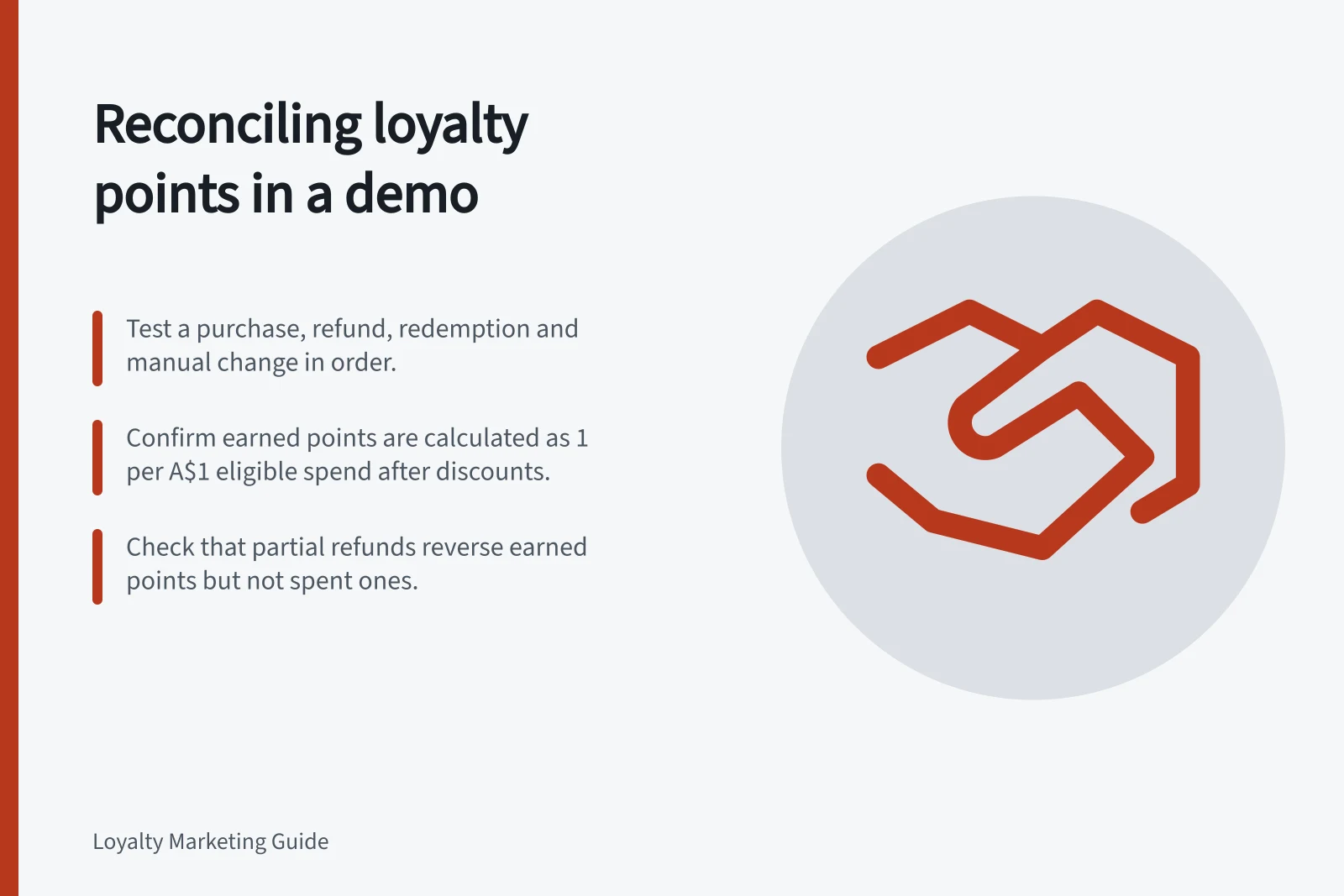
Ask the vendor to explain every change in a test member’s points balance using the order, loyalty history and member view. Include a purchase, a repeated order event, a redemption, a partial refund and a manual correction. A dashboard total alone cannot show why the balance is right.
Set the expected result
Give the vendor your proposed rules for eligible spend, discounts, tax, approval time and refunds. State when points should be pending and when they become spendable. These are test assumptions, not the platform’s default settings.
For example, suppose a member starts with 200 spendable points and your proposed rule awards one point per A$1 of eligible item spend after discounts. Under that rule, an A$100 eligible basket with an A$20 item discount would earn 80 points.
If the award is pending, the spendable balance remains 200. A later refund of A$40 in eligible item spend would reverse 40 earned points under the same assumed rule. Ask the vendor to show how its configured system produces these results or differs from them.
Key Test Assumptions for Points Calculation
- Points Pending Until
- Approval time (configurable)
- Refund Impact
- Reverses earned points proportionally
Run the events in order
- Purchase:Record the member ID, source order ID, eligible amount, award and point status.
- Repeated event:In a permitted demo environment, resend or re-import the same order. Ask how a duplicate award is prevented or identified.
- Approval and redemption:Show when points become spendable, then redeem a reward. Keep points earned separate from points spent.
- Partial refund:Check the reversal of earned points. Separately check whether points spent on a reward are restored.
- Manual correction:Have an authorised operator change a small balance with a reason. Confirm the earlier events remain visible.
For a partial return, earned points are removed partially. By default, a partial refund does not return points spent on a voucher; an optional Shopify setting can return a proportional share for specified rewards and eligible orders.
A full refund has separate voucher treatment, and retaining a shipping charge means LoyaltyLion does not treat it as a full refund.
Partial Refund Treatment: Earned vs Spent Points
- Earned Points
- Partially reversed based on eligible refund amount
- Spent Points (Reward)
- Not automatically restored unless Shopify setting enables proportional return
Reconcile the records
At each step, compare the commerce order, loyalty transaction history and member-facing balance. Calculate spendable points from the opening balance, approved additions, deductions, redemptions and authorised adjustments.
Keep pending points separate. Request event times and source order or refund references so support staff can reconstruct a dispute.
Inspect a transaction export as well as the admin screen. LoyaltyLion says you can choose columns for a Customer transactions export, including a column labelled Customer ID in its standard format.
Yotpo documents separate Earning history and Redemptions history reports: one accounts for actions customers took and earned points for, and the other shows customers’ redemptions. Confirm that the proposed export covers your test events and that filters have not omitted them.
Record the outcome
Mark each event as explained, configurable, requiring development or unresolved. Obtain a written explanation for any discrepancy, including a balance corrected manually during the demo. The result you need is a repeatable account of how each ordinary balance change arose.