Loyalty Software
Part of Loyalty programme software
Reviewing member data export before selecting a platform
Check loyalty member exports for IDs, balances, transaction history, tier data and migration gaps before selecting a platform.
Request sample member and transaction exports before selecting loyalty software. Check whether the files can explain a current balance, resolve a dispute and supply the fields a future platform would need. An export button alone does not establish that the records are complete or portable.
Start with support cases
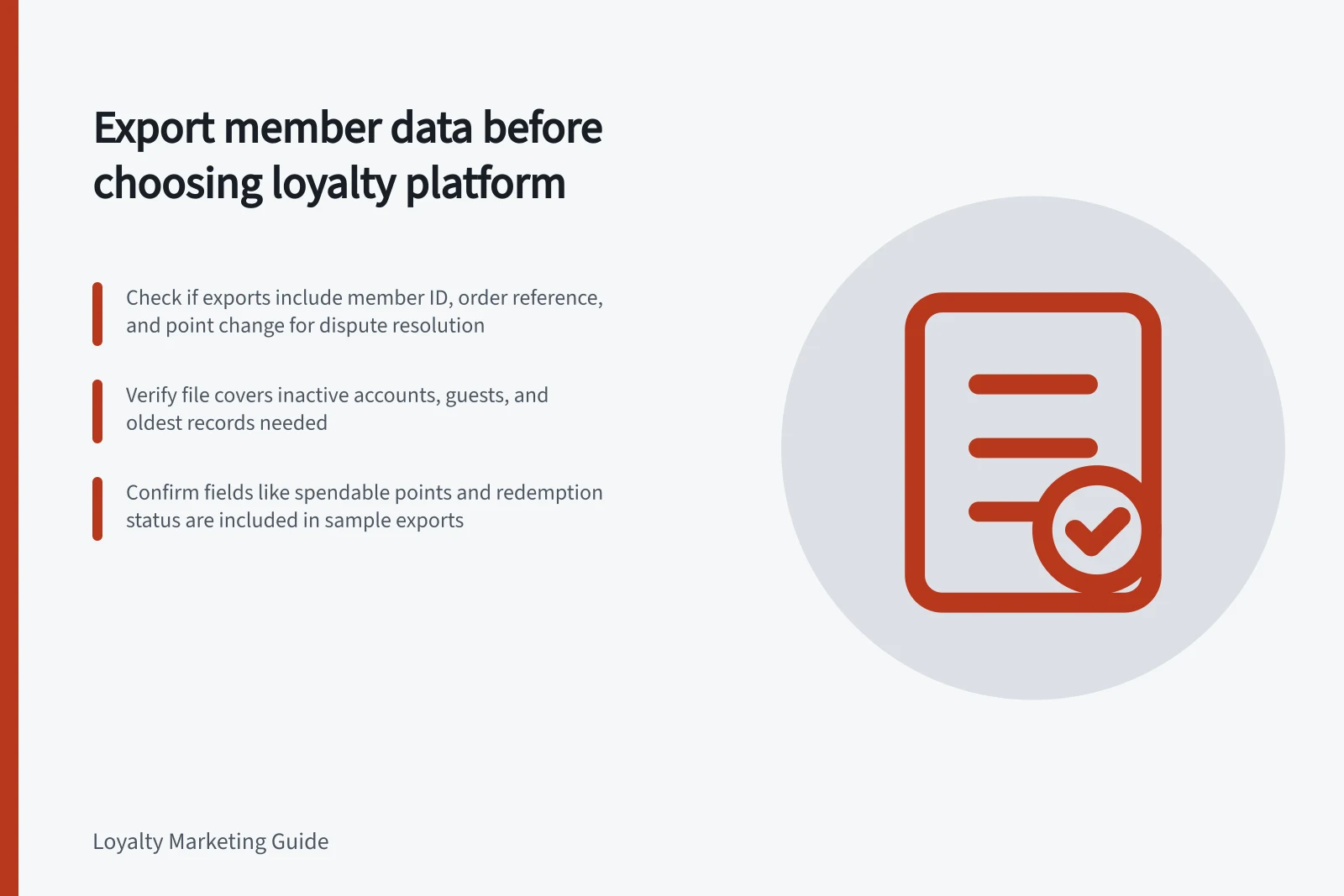
Consider a missing-points claim, a refunded order that used a reward and a disputed tier. For each case, identify the member ID, order or refund reference, event time, point change, point status, reward details and adjustment reason needed to explain it. Ask which fields appear in a file and which are available only on screen.
LoyaltyLion lists separate Customers and customer-transactions exports, as well as Tier exports; inspect the available columns in a sample. Yotpo describes a customer CSV with email addresses, names, current points balances and referral links, plus separate earning-history and redemptions-history reports.
These examples do not establish that one report contains a complete account history.
Data availability across leading loyalty platforms
- LoyaltyLionSeparate exports: Customers, customer-transactions, Tier; columns vary by report
- YotpoCustomer CSV with email, name, current points, referral links; separate earning and redemption reports
- Smile.ioPlan management via dashboard; export options depend on plan level
Inspect a sample
Use permitted sample data and check:
- Coverage:members, guests, inactive accounts and the oldest records you need.
- Join keys:IDs that connect loyalty records to ecommerce and POS orders. Email alone can change or be missing.
- Point meanings:spendable, pending, spent and lifetime values where relevant.
- History:earning, reversals, expiry, adjustments and reward claim versus use.
- Access:file format, filters, permissions, delivery method and export timing.
Check the time zone of timestamps and whether reports cover the same snapshot. A filtered export may answer one question yet omit records needed for migration. Keep field definitions with each file.
For each redemption, check whether the export records enough detail to explain the event and its outcome, including any related order reference or usage status. Verify the fields in an actual sample rather than treating every redemption row as a completed purchase.
Map the exit route
Map each material field to the proposed replacement platform. Importing a current balance does not, by itself, prove that tier progress, historical redemptions or opt-in status will move with it. Ask which fields the proposed import supports, whether additional attributes require vendor assistance and what will need another migration route.
Ask when exports remain available and what happens to data if you cancel or uninstall the app. Obtain and verify the required files before uninstalling; confirm the terms that apply to your account.
Handle personal data carefully
Use the smallest sample needed and restrict access to copies. For an Australian business, distinguish a merchant's operational export from an individual's request to access or correct personal information. OAIC guidance describes those duties for entities to which the Australian Privacy Principles apply; a platform CSV does not determine whether an organisation has met them.
The export is suitable when a sample answers the support cases and the field map identifies every material migration gap. Record any missing data and vendor assistance needed before committing.
Australian privacy considerations when handling member data
- OAIC Australian Privacy Principles apply to:
- All organisations collecting personal information in Australia
- Individual access requests require:
- Timely provision of personal data in a usable format
- Export suitability depends on:
- Whether it meets both operational and legal requirements under APPs