Loyalty Software
Part of Loyalty programme software
Checking POS and ecommerce integration support
Check loyalty integration by mapping member IDs, order events, reward availability, refunds and support ownership across POS and ecommerce.
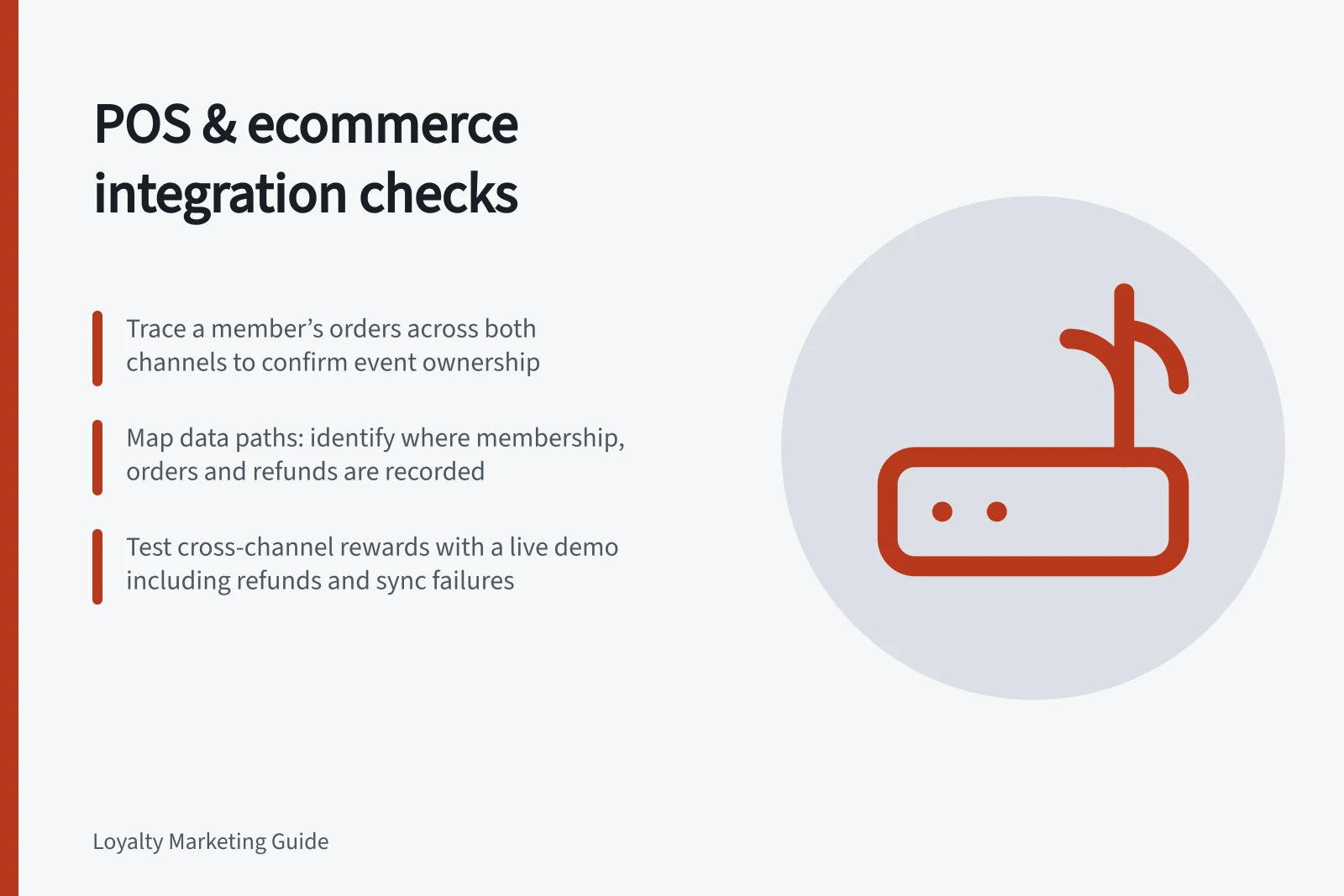
Test POS and ecommerce support by tracing one identified member and their orders through both channels. Establish which system sends each event, which rewards work at the till, and who repairs a failed sync. An integration listing cannot answer those questions for your setup.
Map the data path
List the ecommerce platform, POS, loyalty service and any middleware. For each channel, record where membership is recorded, how the customer is matched, where an order is created, and how cancellations and refunds reach the loyalty service. Note the IDs used to join those records.
Ask whether a store order also syncs into ecommerce.
Ask how the route offered to you handles order identity and item detail.
Check the reward in each channel
Make a short channel matrix for every reward you promise:
| Check | Online | In store |
|---|---|---|
| Member identification | Account or checkout record | Customer lookup or permitted identifier |
| Reward claim and use | Named reward and restrictions | Named reward supported by the POS route |
| Cancellation or refund | Source event and loyalty response | Source event and loyalty response |
| Error correction | Authorised role and record | Authorised role and record |
Populate it with the proposed connector, plan and settings. Smile’s reward table separates Shopify, Shopify POS and BigCommerce; for example, it lists free shipping online but not in Shopify POS. LoyaltyLion’s Shopify POS guide requires the reward’s POS sales-channel setting and customer-country availability to allow it to appear.
Assess each POS route on its own documentation and configuration.
Request a connected demonstration
With a permitted test member, ask the implementation team to show an online purchase, a store purchase on the same account, and a cross-channel reward if your offer promises one. Include a partial refund and a delayed or failed sync. Record where each event appears and how staff know whether a reward is available.
Set a timing requirement only if the business needs one. Ask what staff should tell a customer while an update is pending, and how they report a mismatch without exposing unnecessary member data.
Confirm ownership
Get a written integration design naming who configures mappings, monitors failures, retries events, and resolves disputed records. Confirm the POS version, store locations, quoted plan, and development work. Treat any promised action without a demonstrated event path or support owner as an open implementation gap.
Key Integration Metrics to Confirm
- Support Owner
- To be confirmed in writing
- POS Version
- To be documented
- Store Locations Covered
- To be specified
- Development Work Required
- To be agreed upon