Rewards and Benefits
Points earning rules
A loyalty programme needs an earning rule that customers can understand and staff can reproduce from an order.
A practical purchase-earning rule should make clear what spend qualifies and when points become usable. Set out the base rate, currency, tax and shipping treatment so customers can understand the rule and staff can reproduce it from an order.
How to Set Up a Clear Purchase-Earning Rule in Australia
- Define eligible spendInclude only item prices; exclude shipping and tax unless configured
- Confirm GST treatmentCheck if GST is included in prices; apply tax setting accordingly
- Communicate clearlyShow customers how points are earned, when they’re usable, and what’s excluded
Define the eligible order
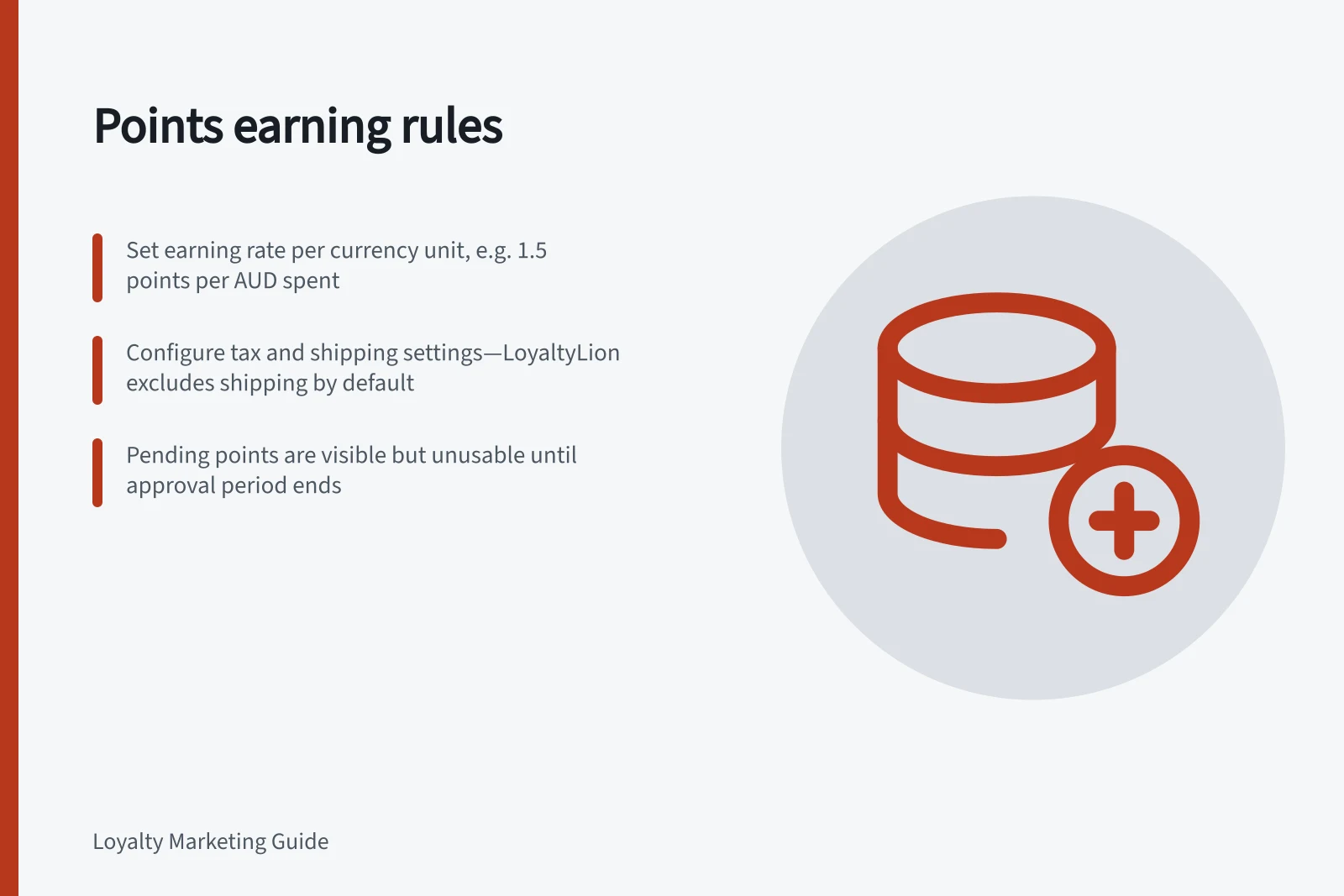
State which parts of a purchase earn points. In LoyaltyLion’s Make a purchase rule, subtotal earning is always on and cannot be turned off; points are calculated from item prices. Tax has a separate setting, while shipping never earns points on any plan or platform and there is no setting to change that.
Treat these as LoyaltyLion rules, not defaults for every platform. Check another platform’s tax and shipping treatment before publishing rather than assuming LoyaltyLion’s behaviour applies.
At 1 point per dollar, $100 of eligible item spend earns 100 points before tax points are added. If an approval period is configured, those points are not usable until that period ends.
LoyaltyLion accepts decimal earning rates, so a rate such as 1.5 points per unit is possible.
Set a rate that matches the currency
Set the earning rate per single unit of the store’s currency. LoyaltyLion does not let a store set a rate per 100 or 1,000 units, so a currency with a low-value unit calls for a correspondingly small rate.
LoyaltyLion advises awarding between 1 and 5 points per unit spent; treat that as platform guidance, not a universal rule. A rate of 1.5 points per unit is also possible because the earning rate accepts decimals.
If the program uses tiers, LoyaltyLion allows a different earning rate for each tier. Check each tier against the same currency unit.
For a higher or lower rate on particular products, collections or subscription items, LoyaltyLion offers a Points Modifier. It is available on Plus plans or as an add-on, so decide whether it is needed before setting the general rate.
Key Points-Earning Parameters for Australian Loyalty Programs
- Decimal Rates Supported
- Yes (e.g., 1.5 points per dollar)
- Shipping Earns Points?
- No (default on all platforms)
- GST Included in Price?
- Check before applying tax-based earning
Check tax settings for the store
For Australian orders, identify the tax as GST in customer-facing examples and check whether it is already included in item prices. LoyaltyLion’s tax setting applies whether or not tax is already inside the item price.
LoyaltyLion’s tax setting starts off for stores in US or Canadian dollars and on for stores in every other currency, so Australian-dollar stores start with it on. Confirm the setting rather than relying on its starting position, particularly where the program operates across markets.
On Adobe Commerce (Magento), tax earning is always on and cannot be changed, regardless of currency. Document the actual configuration alongside the advertised earning rule.
For an order with $100 of items and $20 tax, tax earning on uses $120 as the earning base; at 1 point per dollar, that is 120 points. With tax earning off, the base is $100 and the order earns 100 points; the $20 is an illustrative tax amount, not a stated Australian GST rate.
Points Earning with and without GST in Australian Orders
- $100.00Order Total (Items)
- 100Points Earned (Tax Off)
Pros and Cons of Including GST in Points Earning
- ProsHigher perceived value; aligns with total spend; may increase customer satisfaction
- ConsCan lead to confusion if not clearly disclosed; may be seen as misleading if GST is already included in price
Distinguish pending from available points
Many schemes show points before they can be spent. In LoyaltyLion, the approval period holds points in a pending state for a set number of days after payment; pending points are visible in the customer’s history but cannot be spent until the period ends.
State the configured number of days and that the period starts after payment. Do not promise a specific release time unless it matches the configured rule.
Explain the pending period
The approval-period field is optional and is empty on a rule created by the merchant. An empty field has no approval-period length entered, so confirm its effect on availability before promising when points can be spent.
Related earning rules
For details on discounted orders, points reversals after returns, and excluded products or transactions, see the sibling articles. This article focuses on purchase-earning rules.
In this guide
- Awarding points for purchases without duplicate creditsThe same order can send several events: creation, payment, fulfilment and a connector retry.
- Handling points on discounted orders“Points per dollar spent” is ambiguous when a discount reduces the checkout total.
- Reversing Earned and Redeemed Points After a ReturnA return may affect two balances: points earned from the purchase and points the customer spent to claim a reward on it.