Loyalty Fraud
Part of Loyalty programme operations
Reconciling member balances after a system incident
Rebuild affected loyalty balances, investigate differences and record corrections after a system incident.
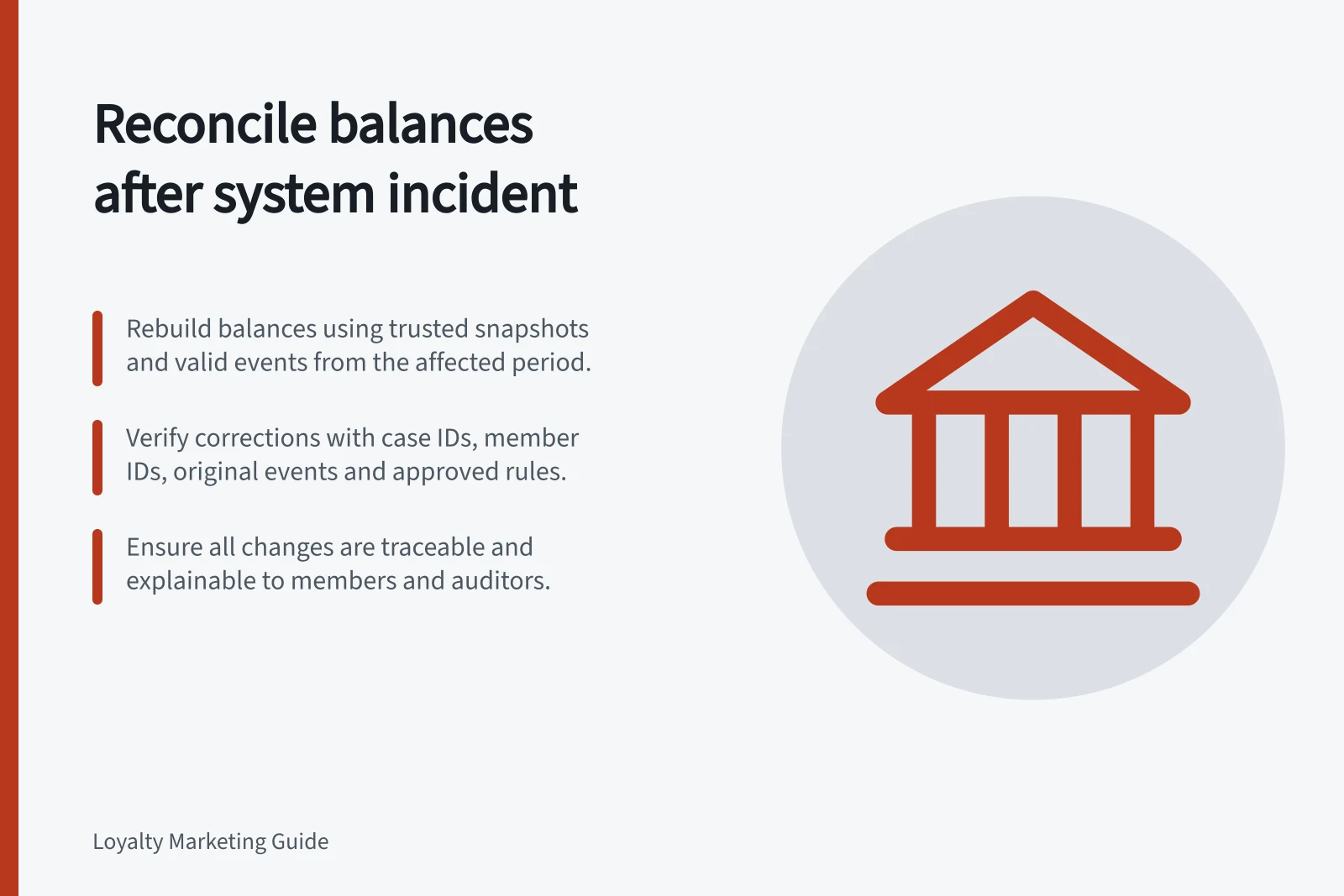
After an incident, rebuild affected balances from a trusted starting point and the events that should follow it. A displayed total does not prove it is right. Define the affected members, event types and time window; calculate expected balances; investigate differences; then post traceable corrections.
Contain the discrepancy and preserve records
Record when the problem began and was contained, which channels or integrations were affected, and which events may be missing or duplicated. Preserve the last trusted snapshot, orders, refunds, loyalty ledger, claims, import files, retry logs and applicable rule versions. Note time zones and export cut-offs.
Decide how new activity will be handled during recovery. If awards continue while an older import is replayed, set a recovery cut-off so events are not counted twice. If the member view may be wrong, qualify what it shows and give support staff an approved explanation. Refer any suspected personal-information exposure to the security and privacy response owners as a separate issue.
Rebuild the expected balance
Match events using member and source transaction IDs. For total points, reconstruct the affected period as:
Trusted opening points + valid awards − earning reversals − points spent − valid expiries ± documented adjustments = expected closing points.
Then separate pending from spendable points under the applicable rules. A claim, voucher issue and completed use may be different events. Inspect the actual claim state before deciding whether points should be restored. Keep points earned on a purchase separate from points spent on a reward used with that purchase.
For illustration, a member starts with 200 spendable points, receives an approved award of 80 and spends 100. With no other movements, the expected spendable balance is 180. If a retry posts the 80-point award twice, a displayed balance of 260 is 80 points too high. The example assumes the award is already spendable.
Investigate before correcting
Group differences by cause: missing or repeated award, delayed approval, refund reversal, expiry, failed claim or manual change. Match each proposed correction to its source event and governing rule. Include some accounts whose displayed balance matches the expected total; two offsetting errors can otherwise remain hidden.
Record a case ID, member ID, original event, amount, reason, approver and posting time for each correction. Post a separate movement instead of silently replacing history. Before a bulk correction, inspect cases near zero balance, recent redemption and partial refunds. Check whether a replay could create another award.
Close with an explainable result
Reconcile affected members, expected and displayed points, corrections posted and unresolved cases after the changes. Have a second reviewer examine material differences and the proposed member explanation. Tell affected members what changed, which activity it relates to and how to query the result. Do not describe accounts still under review as fixed.
Keep the incident record and recurrence action. The completion check is whether the corrected balance can be explained from preserved events and the rule that applied at the time.
Critical Reconciliation Metrics
- Members affected
- Count of members requiring balance review
- Total discrepancies identified
- Sum of all unexplained balance variances
- Corrections posted
- Number of traceable adjustments made
- Unresolved cases
- Accounts still under review post-reconciliation
- Second reviewer check
- Completed for all material differences
- Incident record retained
- Full audit trail preserved for compliance